 Skip to content
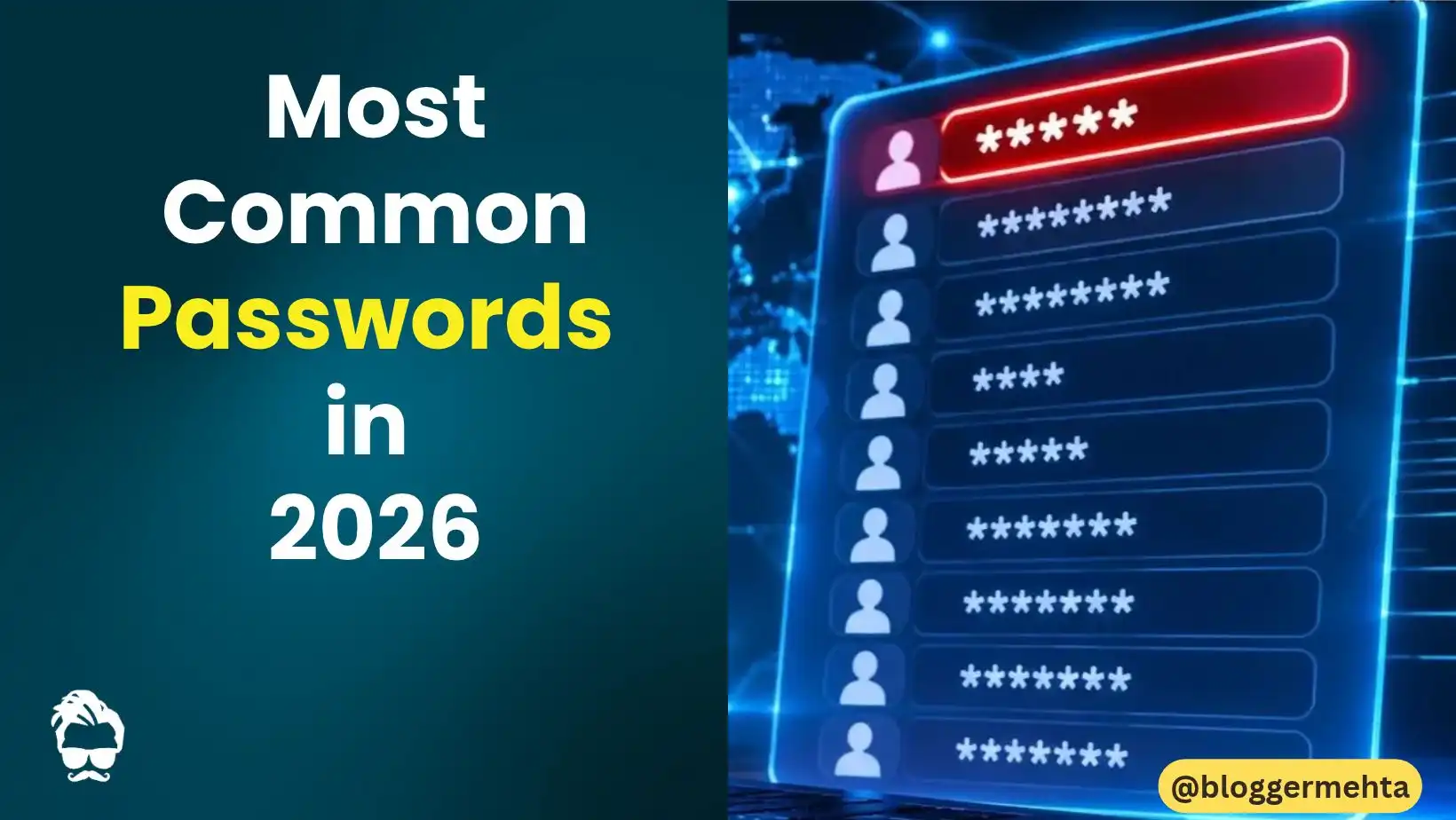
The world’s most commonly used password remains the same in 2026. According to a new report, millions of users continue to rely on simple combinations that are easy to remember but also easy for cybercriminals to guess.
Interestingly, the list includes not only basic number sequences but also passwords that combine uppercase and lowercase letters, numbers and special characters. This shows that simply adding a few extra characters does not necessarily make a password secure.
Password manager company NordPass has released its 2026 ranking of the world’s most commonly used passwords. For the seventh time in eight years, ‘123456’ has secured the top position, highlighting how frequently people continue to choose predictable passwords.
Top 10 Most Common Passwords in 2026
According to NordPass, the top three positions are occupied by ‘123456’, ‘admin’ and ‘12345678’. The password ‘123456789’ ranks fourth, while ‘1234’ takes fifth place. Meanwhile, ‘password’ appears at number seven.
| Rank | Password | Recorded Usage |
|---|---|---|
| 1 | 123456 | 7,234,326 |
| 2 | admin | 4,455,221 |
| 3 | 12345678 | 2,953,492 |
| 4 | 123456789 | 1,888,014 |
| 5 | 1234 | 1,879,782 |
| 6 | 12345 | 1,293,228 |
| 7 | password | 1,245,586 |
| 8 | Aa123456 | 522,373 |
| 9 | Pass@123 | 518,404 |
| 10 | 1234567890 | 512,553 |
Source: NordPass 2026 Most Common Passwords List. These figures represent recorded password occurrences in the analysed data, not the number of individual users.
The list also features passwords such as ‘Aa123456’ and ‘Pass@123’. At first glance, these combinations may appear stronger because they contain different character types. However, their widespread use makes them predictable and unsuitable for protecting important accounts.
Report Analysed Data from 44 Countries
NordPass conducted the study in collaboration with NordLayer Intelligence and independent cybersecurity researchers. The analysis covered password-related records found in publicly exposed data breaches and on the dark web between September 2025 and September 2026.
The report includes data from 44 countries. According to the company, simple passwords such as ‘admin’, ‘password’, ‘qwerty’ and ‘12345’ continue to appear frequently across different countries.
This suggests that password habits share several similarities across regions and languages.
However, the report is not a survey of every internet user worldwide. It is based on publicly exposed breach data and other available records. Therefore, the rankings should be viewed as an indication of password habits rather than a complete count of global password usage.
Why Adding ‘@’ and Numbers Does Not Always Make a Password Secure
Many websites recommend combining uppercase letters, lowercase letters, numbers and special characters when creating passwords. As a result, users often add ‘123’ or ‘@’ to a familiar word or name. ‘Pass@123’ is one example.
The problem is that cybercriminals do not rely only on guessing ordinary words. They can also use previously leaked passwords, common number sequences and lists of popular password patterns.
Making one or two changes to a commonly used password does not automatically make it strong.
This is why ‘Aa123456’ also appears in the 2026 list. Although it contains uppercase letters, lowercase letters and numbers, its predictable structure makes it vulnerable to guessing attempts.
How to Make Your Passwords More Secure
One of the most important cybersecurity practices is to use a different password for every website and application.
If a password is exposed in a data breach and the same combination is used for email, social media or banking accounts, those other accounts could also be at risk.
The US National Institute of Standards and Technology (NIST), in its 2025 Digital Identity Guidelines, recommends a minimum length of 15 characters for passwords used as the sole authentication factor. It also advises services to block commonly used and previously compromised passwords.
Here are some essential steps to improve your online security:
- Use unique passwords: Never reuse the same password across multiple websites and applications.
- Choose long passphrases: Use longer combinations that are difficult to predict.
- Use a password manager: Generate and securely store strong, different passwords for your accounts.
- Enable multi-factor authentication: Turn on MFA wherever it is available.
- Avoid suspicious links: Never enter your password on unfamiliar or suspicious websites.
- Change compromised passwords: If you suspect that a password has been exposed, replace it immediately.
Easy-to-Remember Passwords Can Increase Security Risks
The continued dominance of ‘123456’ shows that password habits are not changing quickly, despite growing awareness of online security risks.
Simply adding a special character or a few numbers to a password is not enough. Choosing a long, unique and unpredictable password is much more important.
Reviewing and replacing weak passwords on email, social media and financial accounts is a practical step towards improving online security.
FAQs: Most Common Passwords in 2026
1. What is the most commonly used password in 2026?
According to NordPass’s 2026 report, ‘123456’ is the most commonly used password. It has topped the list for the seventh time in eight years.
2. Is ‘Pass@123’ a secure password?
No. It should not be considered a secure option. It appears in the 2026 top 10 list, and its predictable pattern makes it vulnerable to password-guessing attempts.
3. How many characters should a strong password have?
According to NIST’s 2025 guidelines, passwords used as the sole authentication factor should be at least 15 characters long. It is also important to use a different password for every account.
4. Why is ‘123456’ considered an unsafe password?
It is a widely used and predictable number sequence. Cybercriminals can easily include such common combinations in automated password-guessing attempts.
5. What is the best way to manage multiple strong passwords?
A password manager can generate and securely store unique passwords for different accounts, reducing the need to remember every password individually.
Read in App ★ Free