 Skip to content
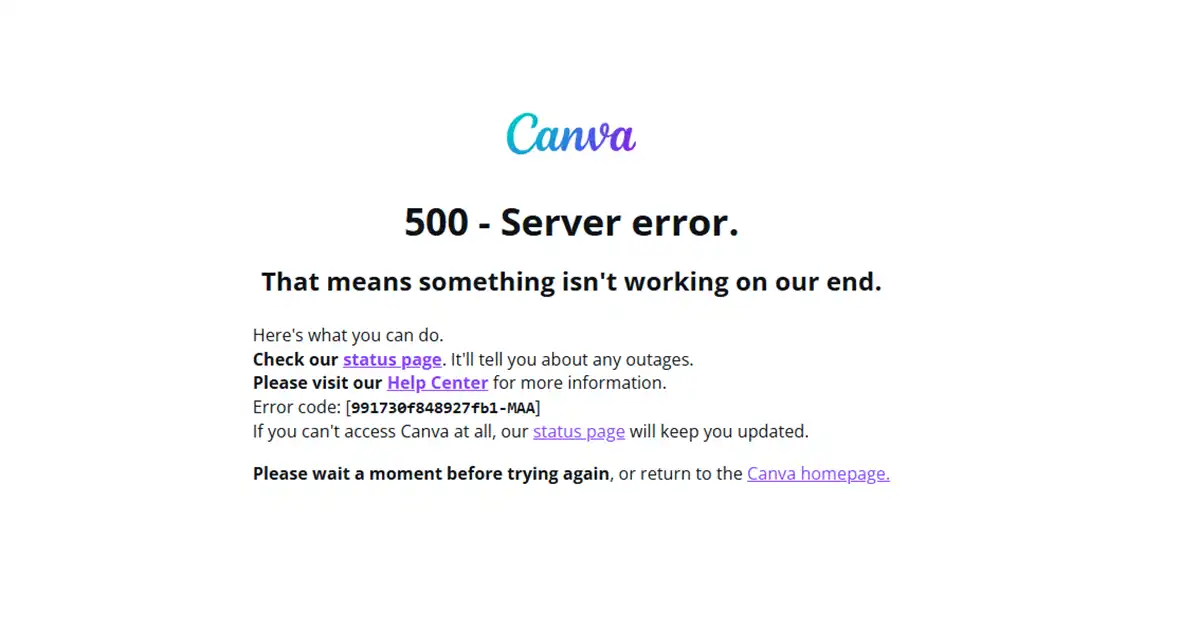
If you’ve tried using Canva today and noticed that it’s not loading or responding properly, you’re not alone. Reports have been flooding Down Detector since early morning, with users complaining that Canva is down and showing 500 server errors.
According to users, the platform has become unresponsive — design edits aren’t saving, and downloads are stuck. Canva has yet to release an official statement regarding the outage. Experts believe the issue may be linked to server overload, possibly due to the festive surge in users creating Diwali designs and digital greetings.
Canva Not Working Since Morning
Reports of Canva being down started appearing around 8:00 AM IST, and within an hour, the number of complaints spiked dramatically. Many users took to social media and Down Detector to report that the platform was crashing during editing and export tasks.
While Canva’s team works to restore services, it’s a good time to explore some reliable free alternatives that can keep your design workflow going.
Best Free Alternatives to Canva
🖌️ GIMP — The Open-Source Powerhouse
GIMP (GNU Image Manipulation Program) is a free and open-source image editor available for Windows, macOS, and Linux. Whether you’re a graphic designer, illustrator, or photographer, GIMP provides powerful editing tools comparable to premium software. It’s perfect for advanced users who prefer creative control and flexibility.
Key Features:
- Cross-platform support
- Free and open-source
- Ideal for professional-level photo and graphic editing
🎥 Promeo — AI-Powered Design Made Easy
Promeo is another excellent option when Canva is down. This tool gives access to millions of royalty-free stock images and videos, along with beautifully designed customizable templates. With AI-powered tools like background removal and smart design generation, Promeo helps you create eye-catching visuals effortlessly.
Key Features:
- Royalty-free image and video library
- AI design and background remover
- Daily updated templates
🖼️ PhotoPea — Photoshop’s Free Twin
If you love Photoshop’s interface, you’ll feel at home with PhotoPea. It’s a web-based tool that replicates most of Photoshop’s features — layers, masks, text effects, and more. Since it runs directly in your browser, you can start designing instantly without installation.
Key Features:
- No download required
- Supports PSD, XCF, and Sketch files
- Great for professional-level design editing
💡 Lunacy — Collaborative and Lightweight
Lunacy is a completely free graphic design software that offers collaboration features without watermarks. You can design alongside a team of up to 100 users and use built-in tools like vector editing and AI-powered suggestions.
Key Features:
- Free with collaboration options
- Offline functionality
- Supports multiple file formats
Possible Reason Behind the Canva Outage
The Canva down issue could be a result of heavy server traffic, especially during festive seasons like Diwali, when millions of users rush to create digital posters, social posts, and greetings. Experts suggest the service will likely be restored soon once server loads stabilize.
Final Thoughts
While Canva’s temporary downtime might disrupt your design workflow, it’s a reminder to always have backup tools ready. Platforms like GIMP, Promeo, PhotoPea, and Lunacy ensure that your creativity never stops — even when Canva does.
Read in App ★ Free


