 Skip to content
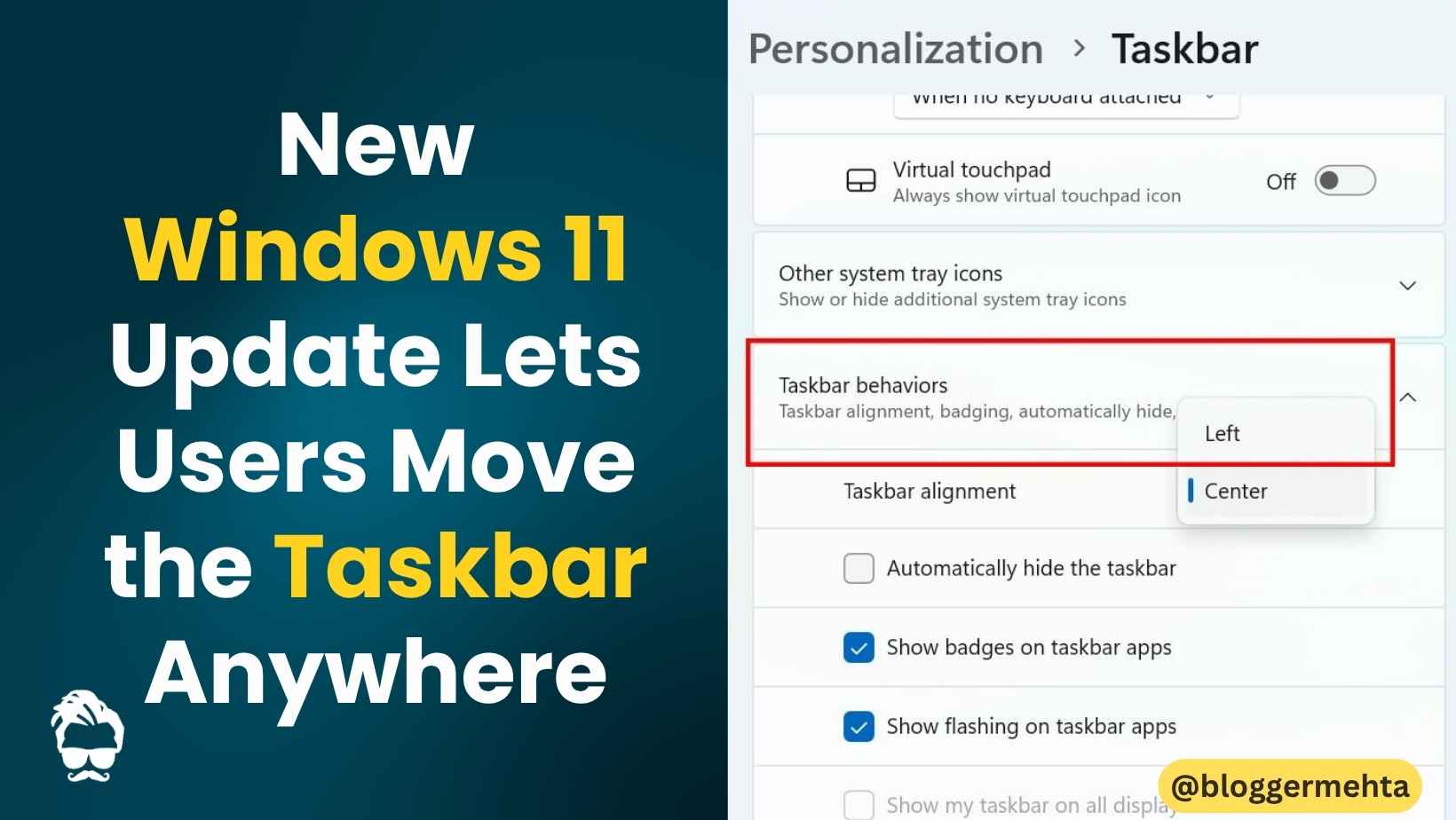
After months of user requests, Microsoft has finally started testing one of the most anticipated customization updates for Windows 11.
The company has introduced a new experimental Insider build that allows users to:
- Move the taskbar anywhere on the screen
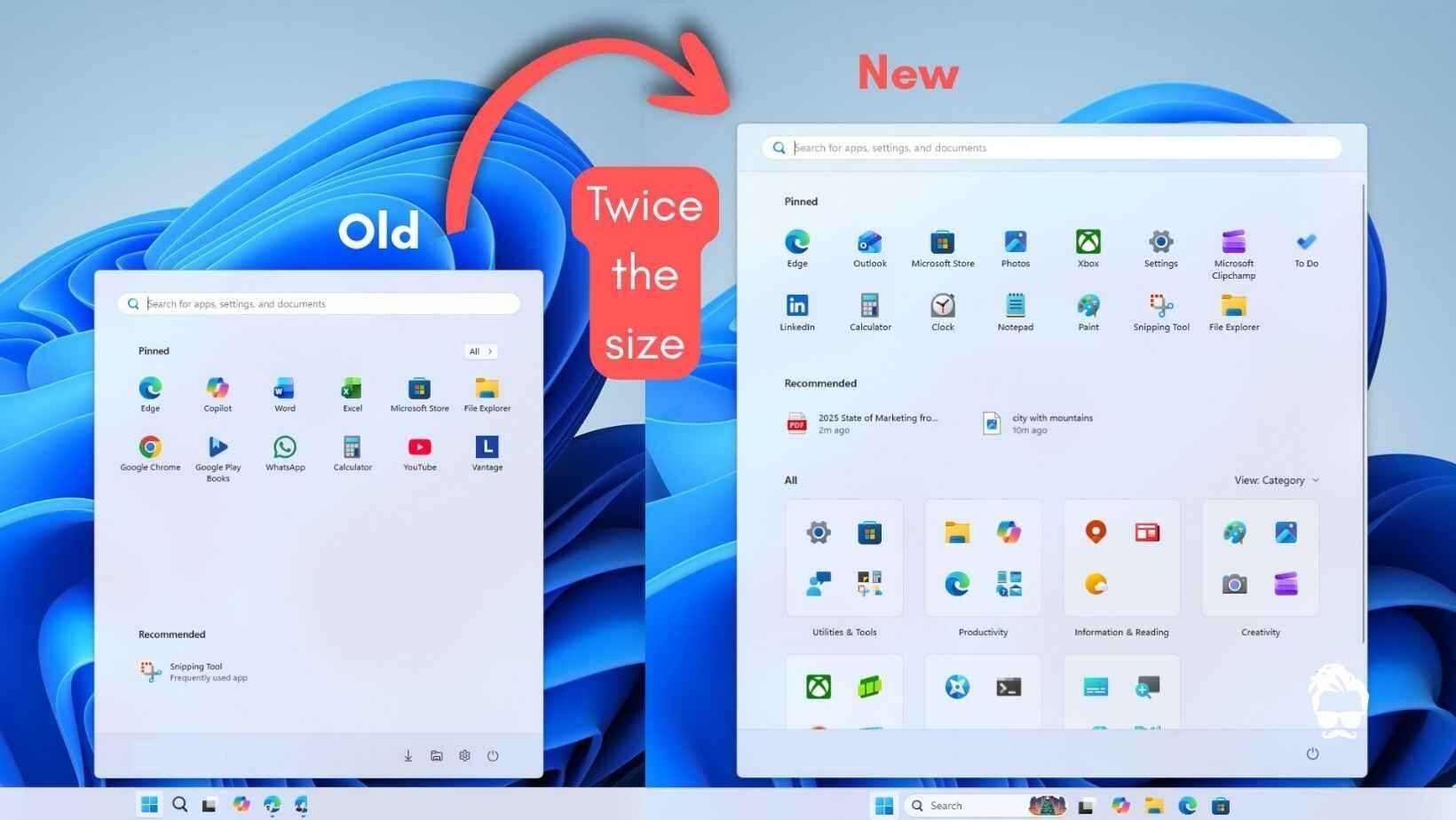
- Resize the Start Menu
- Customize sections inside the Start Menu
- Hide profile details for better privacy
The update signals Microsoft’s growing focus on making Windows 11 more flexible and user-friendly.
Taskbar Can Now Be Moved Anywhere
One of the biggest complaints about Windows 11 was the locked taskbar position. Until now, users could only keep the taskbar at the bottom of the screen.
With the new update, users can finally place the taskbar:
- At the top
- On the left
- On the right
- Or keep it at the bottom
This feature brings back the flexibility many users loved in older Windows versions.
Why It Matters
The change is especially useful for:
- Large-screen users
- Multi-monitor setups
- Productivity-focused workflows
How to Change Taskbar Position
Users can move the taskbar by following these steps:
- Open Settings
- Go to Personalization
- Open Taskbar settings
- Select Taskbar Behaviors
- Choose your preferred screen position
Start Menu Can Now Be Resized
Another major addition is the ability to resize the Start Menu.
Users can now:
- Make the Start Menu larger or smaller
- Drag the menu edges to adjust size manually
This allows for a more personalized desktop experience depending on screen size and workflow preferences.
More Control Over Start Menu Sections
Microsoft is also giving users better control over what appears inside the Start Menu.
Users can now show or hide:
- Pinned apps
- Recent items
- All Apps section
This helps create a cleaner and less cluttered interface.
New Privacy Features Added
The update also introduces a useful privacy feature.
Users can now hide:
- Their account name
- Profile picture
This can be especially helpful during:
- Online meetings
- Screen sharing
- Office presentations
Microsoft has also renamed the “Recommended” section to “Recent”, saying the new name better reflects recently opened apps and files.
Also Read: Google May Limit New Gmail Accounts to 5GB Storage Without Phone Verification
Currently Available Only for Insider Users
At the moment, the update is available only through the Windows Insider experimental channel.
Microsoft is expected to roll out these features to stable Windows 11 users in the coming months after testing is completed.
Microsoft Is Making Windows 11 More User-Friendly
Tech experts believe Microsoft is now actively responding to long-standing user feedback.
Many of the newly added features are functionalities users had been requesting since Windows 11 launched. By restoring customization options from older Windows versions, Microsoft appears focused on improving both productivity and personalization.
Final Thoughts
The latest Windows 11 update could become one of the platform’s most user-friendly upgrades yet.
With:
- Movable taskbars
- Resizable Start Menus
- Better privacy controls
- Cleaner customization options
Windows 11 is slowly evolving into a more flexible desktop operating system that better matches different user preferences and workflows.
Read in App ★ Free


