 Skip to content
Starting a YouTube channel no longer requires expensive cameras, professional studios, or advanced editing skills. Thanks to artificial intelligence, creators can now produce high-quality videos using simple text prompts or existing blog posts.
From generating scripts and AI voiceovers to editing footage and creating visuals, modern AI-powered platforms significantly reduce the time and effort needed to publish engaging content.
Whether you’re a beginner, educator, marketer, or experienced creator, these free AI tools can help streamline your video production workflow.
Why AI Tools Are Becoming Essential for Creators
The demand for digital video content continues to grow across platforms like YouTube, Instagram, and Facebook.
AI tools help creators by automating repetitive tasks such as:
- Script writing
- Video editing
- Voice generation
- Subtitle creation
- Background music selection
- Visual generation
- Short-form content creation
This allows creators to focus more on storytelling and audience engagement rather than technical editing.
Also Read: 29 Domain Registrars That Send Expired Domains to GoDaddy Auctions in 2026
1. Pictory AI – Turn Articles into Videos
Pictory AI is an excellent option for creators who already have written content.
Simply upload a blog post or script, and the platform automatically generates a video by adding stock visuals, background music, captions, and AI-generated voiceovers.
Best For
- Explainer videos
- Educational content
- Blog-to-video conversion
- YouTube Shorts
Free Plan: Yes (with feature limitations)
2. InVideo AI – Generate Videos From a Prompt
InVideo AI allows users to create complete videos simply by describing their idea.
The AI can generate:
- Video scripts
- AI voiceovers
- Visual scenes
- Background music
- Automatic editing
It also provides hundreds of customizable templates for different content categories.
Best For
- Marketing videos
- Social media content
- YouTube explainers
- Promotional videos
Free Plan: Yes (videos include watermark)
3. Canva AI Video Maker – Beginner-Friendly Editing
Known for its intuitive design tools, Canva AI Video Maker also offers AI-powered video creation.
Its drag-and-drop interface makes it easy for beginners to produce attractive videos without prior editing experience.
Features
- AI-assisted video creation
- Ready-made templates
- Stock images and videos
- Animated elements
- Simple editing tools
Best For
- Beginners
- Educational videos
- Business presentations
- Social media content
Free Plan: Yes
4. Lumen5 – Convert Text Into Engaging Videos
Lumen5 specializes in transforming written content into professional-looking videos.
The platform automatically matches your text with relevant visuals, animations, and transitions, making it ideal for publishers and businesses repurposing articles into video content.
Best For
- Blog-to-video conversion
- Business content
- News summaries
- Corporate communication
Free Plan: Available with limited features
Also Read: Why Your Traffic Is Increasing But Sales Are Dropping (Real SEO Truth Explained)
5. Synthesia – Create Videos Without Appearing on Camera
If you prefer not to record yourself, Synthesia offers AI-generated presenters that speak your script in a professional-looking video.
Instead of filming, users simply enter their script, select an AI avatar, and generate a presenter-led video.
Ideal For
- Training videos
- Educational courses
- Product demonstrations
- Corporate presentations
Free Plan: Limited features (advanced capabilities require a paid subscription)
Quick Comparison
| AI Tool | Best For | Free Plan |
|---|---|---|
| Pictory AI | Blog-to-video, explainers | ✅ Yes |
| InVideo AI | Prompt-to-video creation | ✅ Yes (Watermark) |
| Canva AI Video Maker | Beginner editing | ✅ Yes |
| Lumen5 | Article-to-video conversion | ✅ Limited |
| Synthesia | AI avatar videos | ✅ Limited |
Things to Consider Before Choosing an AI Tool
Not all AI video platforms offer the same features.
Before selecting one, check:
- Free plan limitations
- Watermarks on exported videos
- Commercial usage rights
- Licensing policies
- Video quality
- Export resolution
- AI voice options
- Privacy policy
- Language support
If you’re creating videos for a professional YouTube channel or business, reviewing licensing terms and commercial usage policies is especially important.
Can AI Replace Human Creativity?
While AI tools can dramatically speed up video production, they work best as creative assistants rather than complete replacements for human creators.
The most successful YouTube videos still rely on:
- Original ideas
- Strong storytelling
- Audience understanding
- Creative editing
- Personal style
AI handles repetitive production tasks, allowing creators to focus on delivering valuable and engaging content.
Final Takeaway
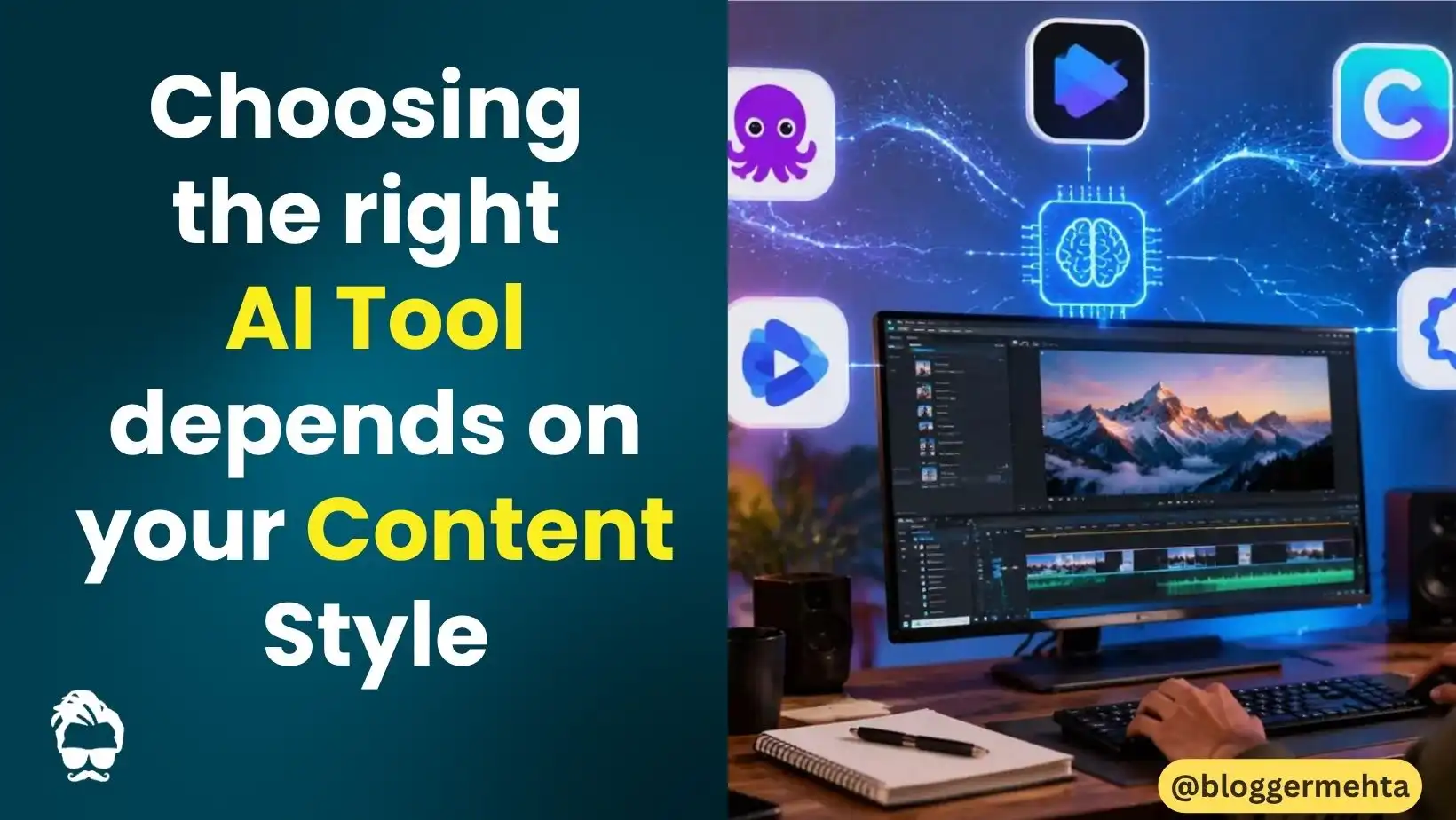
AI-powered video creation has made professional content production more accessible than ever. Whether you want to transform a blog into a video, generate scripts from a simple idea, or create presenter-led content without stepping in front of a camera, tools like Pictory AI, InVideo AI, Canva AI Video Maker, Lumen5, and Synthesia offer powerful features to help you get started.
For beginners, free plans provide an excellent opportunity to experiment with AI-assisted video creation before upgrading to premium features. Choosing the right platform ultimately depends on your content goals, editing experience, and publishing needs.
Read in App ★ Free