Skip to content
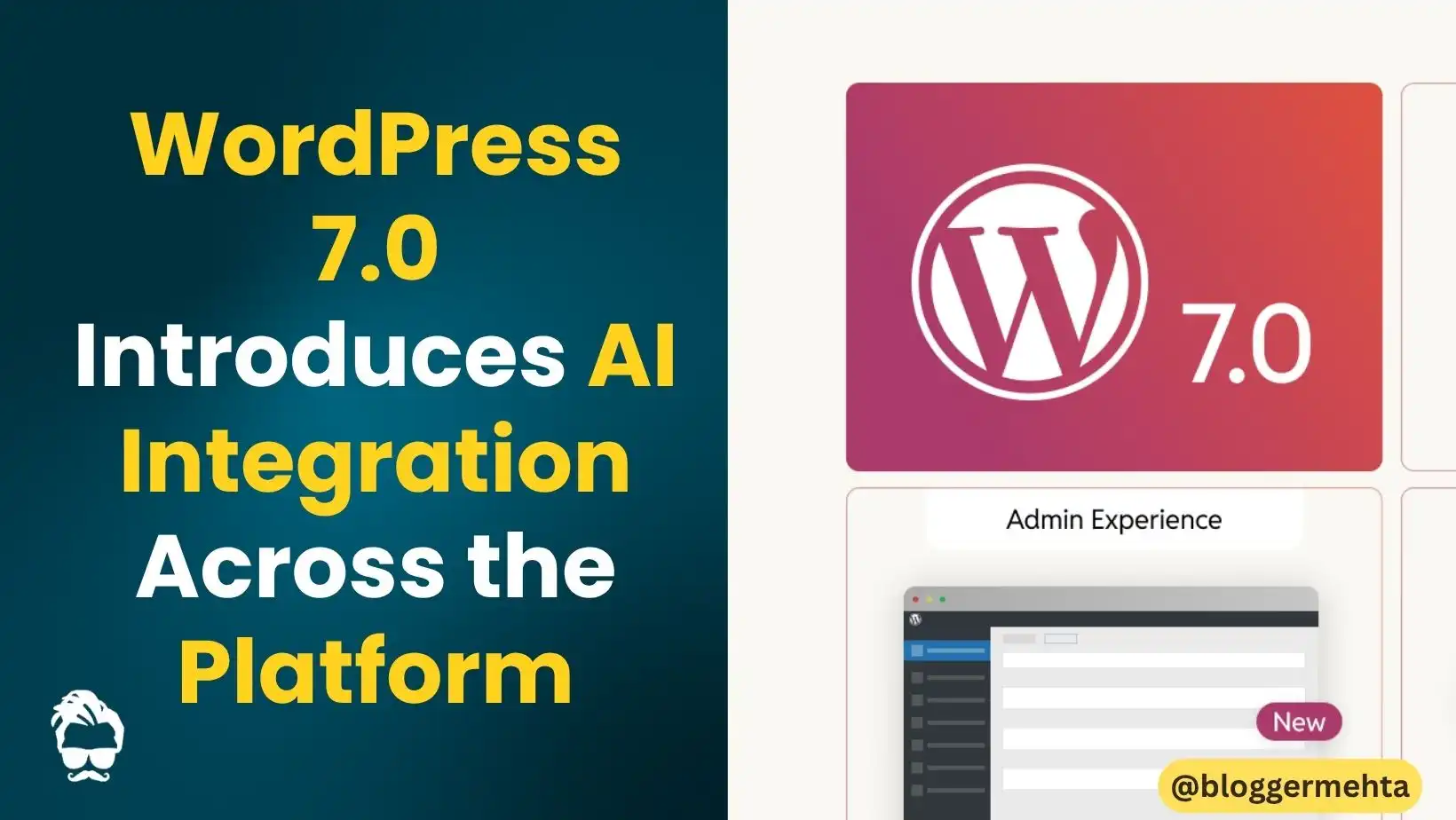
WordPress 7.0 has officially been released with several major upgrades focused on artificial intelligence, navigation customization, visual editing, performance, and accessibility. The latest version lays the groundwork for AI-powered tools directly inside WordPress, making website management easier for creators, bloggers, and developers.
The update also brings a redesigned navigation overlay system, simplified pattern editing, and a brand-new visual revision history feature that allows users to track changes block by block.
AI Foundations Arrive in WordPress
One of the biggest highlights of WordPress 7.0 is the introduction of AI foundations across the platform. The update adds a new “Connectors” screen that acts as a centralized hub for integrating external services, including AI providers.
Users can now connect their preferred AI provider and use AI-powered tools directly inside the WordPress editor. According to the company, the optional AI plugin can help users:
- Generate titles and excerpts
- Create and edit images
- Suggest image alt text
- Improve content creation workflows
This new system also allows plugin developers to integrate third-party services more easily through standardized connection management.
Also Read: Google Announces Biggest Search Bar Upgrade in 25 Years With AI-Powered Features
New Navigation Overlay Editor
WordPress 7.0 introduces a completely redesigned navigation overlay experience. Instead of using a basic list of menu links, users can now create highly customizable menu overlays using blocks.
Website owners can:
- Add columns and layouts
- Increase font sizes
- Align content freely
- Use pre-built templates
- Design custom navigation menus from scratch
This gives developers and designers much greater control over website navigation design.
Visual Revisions Make Editing Easier
Another major feature in WordPress 7.0 is the new visual revision system. Users can now review page or post changes using a timeline slider and visual markers that highlight edits block by block.
The feature allows creators to:
- Compare older versions visually
- Track content changes more easily
- Restore previous versions with one click
This is expected to make content editing and collaboration much simpler.
Patterns Now Work Like Single Blocks
WordPress has also simplified the editing experience by allowing patterns to behave like single blocks. Instead of managing multiple nested blocks individually, users can now quickly swap text and images while keeping the overall design intact.
Advanced users still have the option to edit the full pattern structure with a single click.
Performance Improvements in WordPress 7.0
The latest update also includes several performance upgrades designed to improve website speed and resource loading.
Key improvements include:
- Better image loading prioritization
- Reduced impact from hidden images in overlays
- More reliable on-demand stylesheet loading
- Reduced render-blocking for scripts
These enhancements are aimed at delivering faster and smoother website performance.
Accessibility Updates and Editor Improvements
WordPress continues its focus on accessibility in version 7.0. The release includes improvements for:
- Media management
- Voice control usability
- Color contrast in admin panels
- Editor navigation and interaction
The update also introduces new blocks and refinements to the Gutenberg editor experience.
Final Thoughts
With AI integration, smarter editing tools, customizable navigation overlays, and major usability improvements, WordPress 7.0 represents one of the biggest upgrades to the platform in recent years.
The update aims to simplify website building for beginners while offering more powerful customization options for advanced users and developers.
Read in App ★ Free