Skip to content
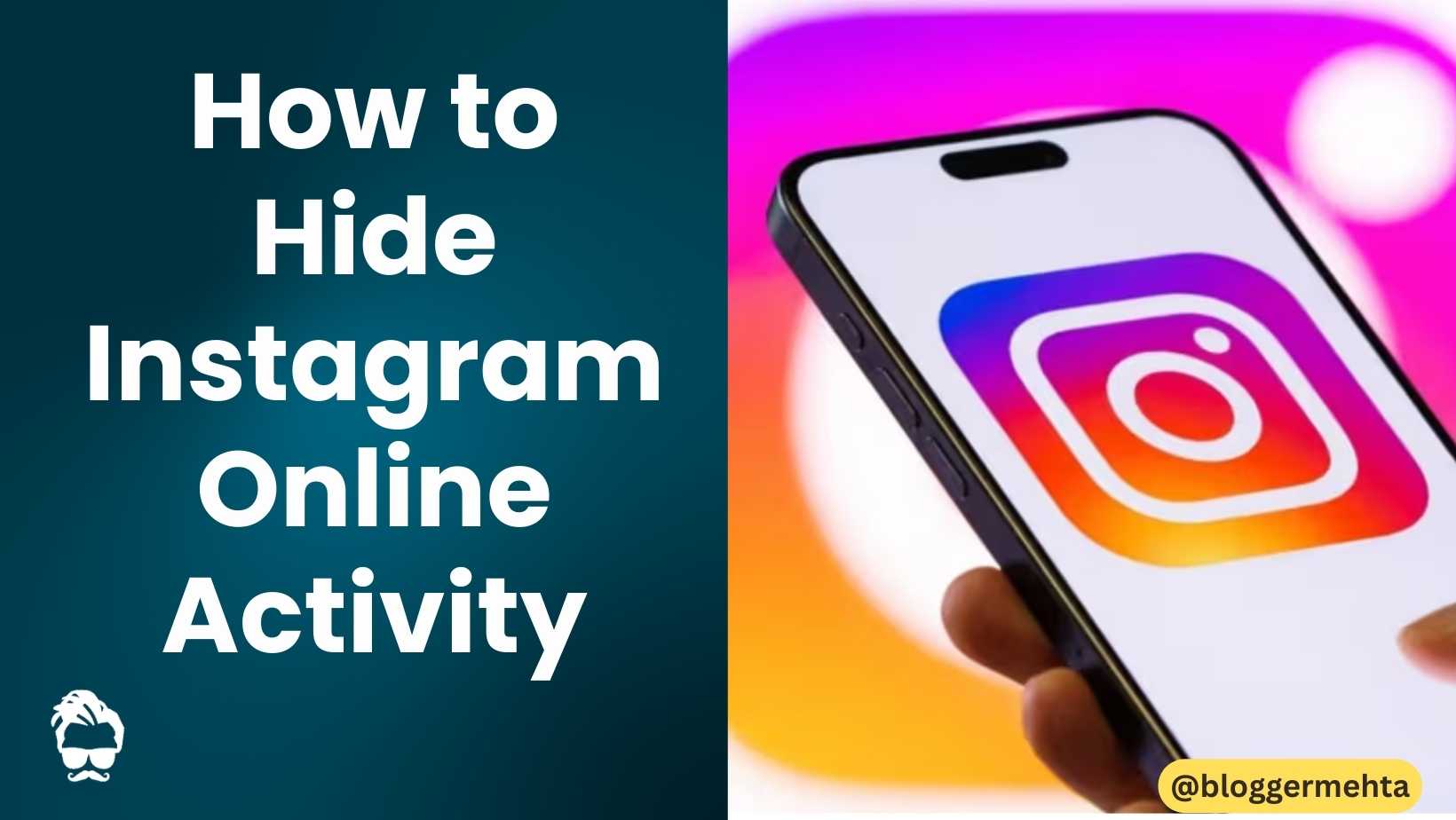
Have you ever opened Instagram just to browse reels or read messages, only to find that others can see you’re online? Many users face this dilemma where unintended online visibility leads to unwanted conversation pressure. Fortunately, Instagram offers a simple feature to hide your online activity completely.
Understanding Instagram’s Activity Status Feature
When you’re online on Instagram, a green dot appears next to your profile picture. This is called the “Active Status” feature that allows your friends and followers to see whether you’re currently active on the app or when you were last online. While this feature promotes real-time communication, it can sometimes feel intrusive.
Benefits of Turning Off Active Status
Turning off Instagram’s Active Status offers several advantages:
- Privacy Control: Nobody can see when you’re online or offline
- No Last Seen Information: Your recent activity remains hidden
- Reduced Pressure: Eliminates the obligation to reply immediately
- Peaceful Browsing: Enjoy Instagram without feeling watched
Note: When you disable Active Status, you also won’t be able to see when others are online. This is a limitation of the feature.
Step-by-Step Guide to Hide Instagram Activity
For Android Devices
Follow these simple steps to turn off your Instagram activity status:
- Open the Instagram app on your Android device
- Tap on your profile photo to go to your profile page
- Click on the three-line menu icon located at the top right corner
- Navigate to “Settings and Activity”
- Select “Messages and story replies” option
- Tap on “Show Activity Status”
- Toggle the switch to OFF position
For iPhone Devices
The process is nearly identical on iOS devices:
- Open the Instagram app
- Go to your profile section
- Tap on the three-line menu at the top
- Select “Settings and Activity”
- Choose “Messages and story replies”
- Tap on “Show Activity Status”
- Turn off the toggle switch
For Instagram Web
You can also disable Active Status when using Instagram on your computer:
- Open instagram.com in your web browser and log in
- Click on the “More” option in the menu
- Open “Settings”
- Go to “Messages and story replies”
- Select “Show Activity Status” option
- Toggle the switch to OFF
Also Read: How to Build a Career Through Instagram: Complete Strategy Guide
Important Things to Remember
What Others See When You’re Hidden
Once disabled, your contacts will see:
- No green dot next to your name
- No “Active Now” or “Last seen” indicators
- No real-time typing indicators in DMs
What You Won’t See Either
Unfortunately, disabling Active Status means you also lose:
- Ability to see when friends are online
- Last seen information for others
- Real-time activity updates from your network
Alternative Privacy Tips
Additional Instagram Privacy Settings
Consider these complementary privacy adjustments:
- Turn Off Read Receipts: Prevent others from knowing when you’ve read their messages
- Restrict Accounts: Limit interactions without blocking completely
- Hide Story From Specific People: Control who sees your stories
- Approval for New Followers: Manually approve follower requests
Best Practices for Invisible Browsing
- Use Instagram during off-peak hours for less scrutiny
- Turn off notifications temporarily for uninterrupted browsing
- Use airplane mode when you want complete invisibility
- Consider using Instagram Lite for reduced data footprint
Also Read: Google Discover Adds Social Media Posts: Instagram, X, and a New Follow Feature
Why This Feature Matters for Indian Users
In India’s social media culture, where constant connectivity is often expected, hiding online activity can be particularly valuable:
- Professional Boundaries: Avoid work-related interruptions during personal time
- Social Pressure Relief: Reduce obligation to respond immediately to every message
- Family Privacy: Maintain personal space from extended family groups
- Focus Time: Browse Instagram without distraction from constant notifications
Troubleshooting Common Issues
Active Status Still Visible?
If you’re still showing as active after following these steps:
- Restart the App: Close and reopen Instagram completely
- Clear Cache: Clear app cache from device settings
- Update App: Ensure you’re using the latest Instagram version
- Check All Devices: Disable on all devices you use Instagram on
Accidentally Enabled Again?
Instagram may reset privacy settings during updates. Regularly check:
- Settings > Privacy > Activity Status
- Ensure the toggle remains OFF
- Set reminders to verify periodically
The Psychology Behind Online Visibility
Understanding why hiding online activity feels necessary can help us navigate social media more consciously:
The Always-On Culture
Modern social expectations often demand immediate responses, creating anxiety around:
- Constant availability pressure
- Fear of missing important messages
- Social obligation fatigue
Digital Well-being Benefits
Hiding your activity status can contribute to better mental health by:
- Reducing social media anxiety
- Creating boundaries between online and offline life
- Allowing guilt-free breaks from social platforms
Future of Instagram Privacy Features
As user privacy concerns grow, Instagram continues to evolve its privacy controls:
- Enhanced Granular Controls: More specific visibility settings
- Temporary Disappearance: Short-term invisibility modes
- Activity Scheduling: Planned online/offline periods
- Selective Visibility: Show activity to specific groups only
Also Read: 5 Facts About Instagram Marketing
Conclusion
Hiding your Instagram online activity is a straightforward process that can significantly improve your social media experience. Whether you’re looking to reduce social pressure, maintain privacy, or simply enjoy uninterrupted browsing, turning off Active Status gives you that control.
The feature works identically across Android, iPhone, and web platforms, making it accessible regardless of your device preference. While you’ll lose the ability to see others’ online status, the trade-off often proves worthwhile for users seeking more mindful social media engagement.
Take a few minutes today to implement these changes and reclaim your Instagram privacy. Your mental well-being will thank you for it.
Read in App ★ Free