 Skip to content
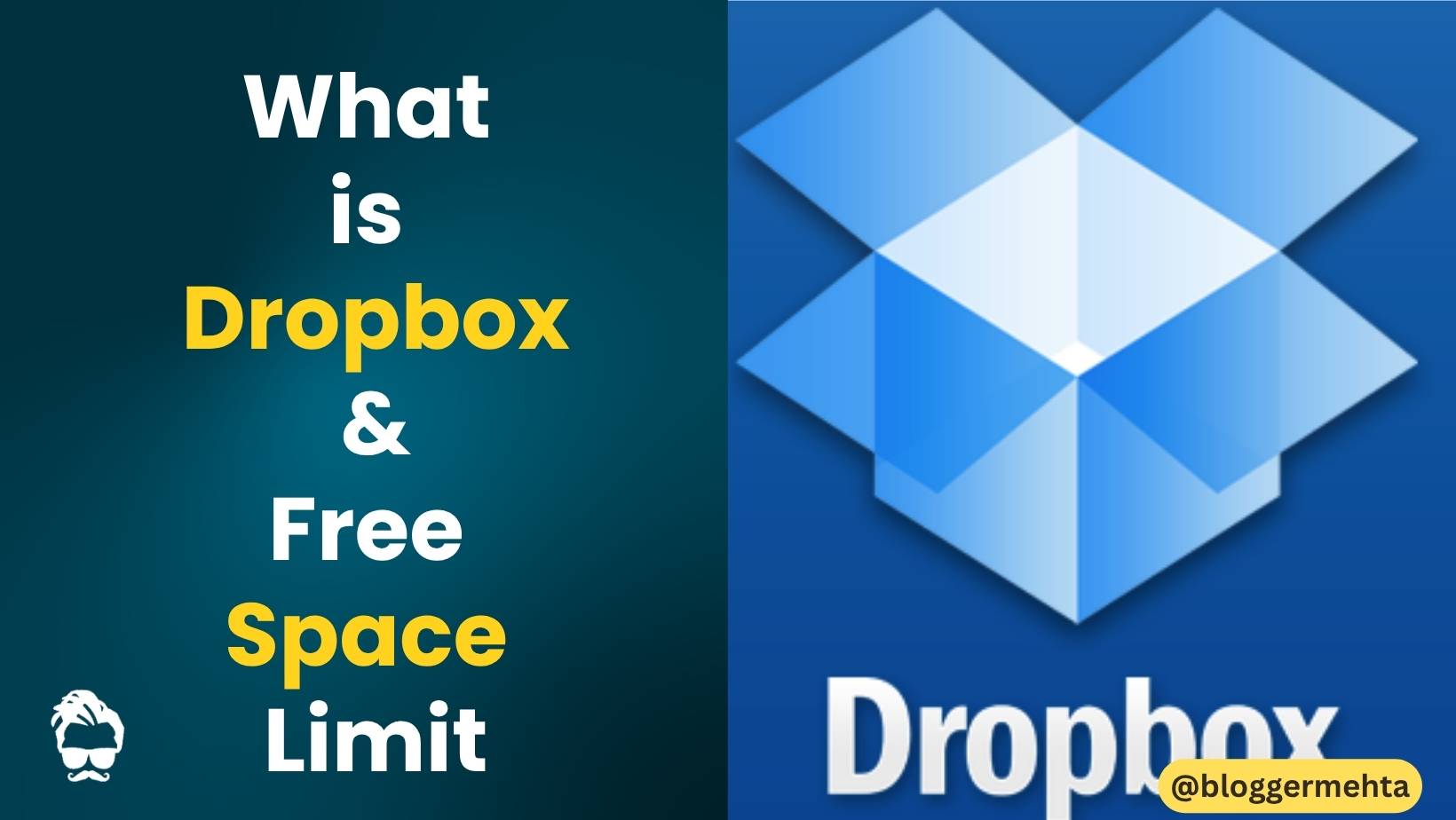
Have you ever wanted to access your important files, photos, videos, or documents from anywhere in the world? If yes, then Dropbox can be a great solution for you.
In this guide, you’ll learn everything about Dropbox, including what it is, how it works, its key features, benefits, and how much free storage you get.
Contents
What is Dropbox?
Dropbox is a popular cloud storage and file hosting service developed by Dropbox Inc., a technology company based in the United States.
It allows users to store files online, synchronize data across multiple devices, and share files with others securely.
Simply put, Dropbox works like an online hard drive or USB drive where you can save your files and access them anytime through the internet.
Why Do You Need Dropbox?
Imagine you have important files such as:
- Photos and videos
- Office documents
- Presentations
- PDF files
- Music and other digital content
Normally, you might store these files on your computer, smartphone, or USB drive. But what happens if your device gets lost, damaged, or stolen?
With Dropbox, your files remain safely stored in the cloud, allowing you to access them whenever you need them.
Key Features of Dropbox
1. Access Files Anywhere
You can access your files from:
- Desktop computers
- Laptops
- Smartphones
- Tablets
- Web browsers
As long as you have an internet connection, your files are always available.
2. Secure Cloud Storage
Dropbox keeps your files safe in the cloud with advanced security and encryption technologies.
3. Easy File Sharing
You can quickly share files and folders with friends, family members, clients, or colleagues.
4. Team Collaboration
Dropbox is widely used by businesses and teams because multiple users can collaborate on the same project efficiently.
5. Password-Protected Sharing
One of Dropbox’s most useful features is the ability to:
- Add passwords to shared links
- Set expiration dates
- Control file access permissions
For example, if you share a file for only one hour, the recipient will automatically lose access once the time expires.
How to Use Dropbox?
Getting started with Dropbox is very simple.
Step 1: Create a Dropbox Account
Visit the Dropbox website and sign up for a free account using your email address.
Step 2: Install the Dropbox App
Dropbox is available for:
- Windows
- macOS
- Android
- iPhone (iOS)
You can also use Dropbox directly from your web browser without installing any software.
Step 3: Sign In
After creating your account, log in using your email and password.
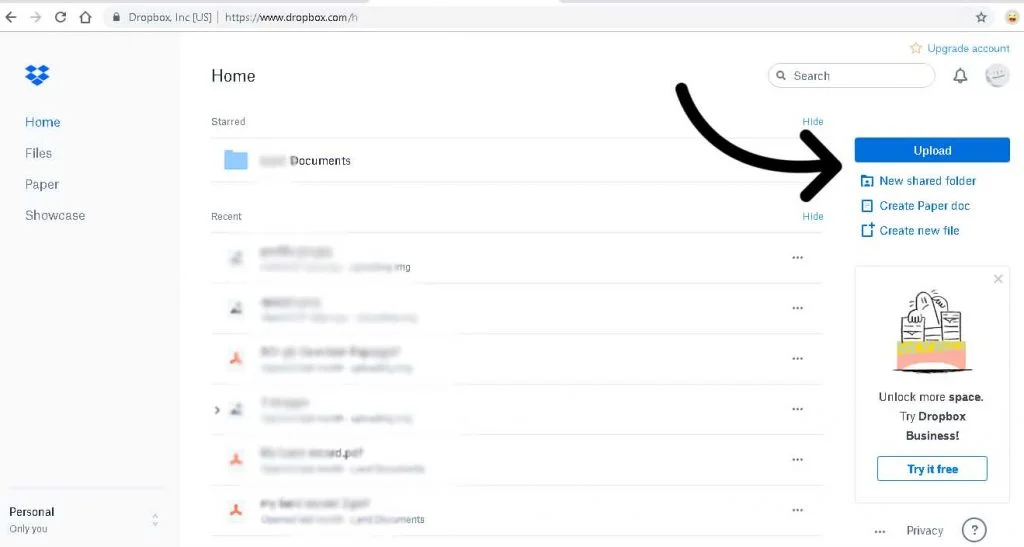
Step 4: Upload Files
Once logged in:
- Click on the Upload button.
- Select the files you want to store.
- Upload them to your Dropbox account.
Your files will now be safely stored online.
Step 5: Access Files from Any Device
You can access your uploaded files from any device simply by logging into your Dropbox account.
Also Read: iPhone 18 Pro New Color Option Leaked – Fans Excited After Seeing It, Check Details
How to Share Files on Dropbox?
Sharing files is one of Dropbox’s strongest features.
To share a file:
- Select the file or folder.
- Click the Share option.
- Generate a sharing link.
- Send the link to anyone you want.
You can also:
- Set a password
- Add an expiration date
- Restrict editing permissions
Dropbox Free Storage Limit
Many users ask whether Dropbox is free or paid.
The answer is: Both.
Dropbox Free Plan
The free Dropbox account provides:
- 2GB of cloud storage
This is suitable for basic personal use.
Dropbox Premium Plans
Premium plans offer:
- More storage space
- Advanced sharing features
- Better security controls
- File recovery options
- Backup and synchronization tools
Also Read: What Is a Social Media Withheld Account? Meaning, Reasons & How to Fix It
How to Get More Free Dropbox Storage?
Even after using your free 2GB storage, you can increase your storage capacity through Dropbox’s referral program.
When you invite friends to join Dropbox and they sign up successfully, Dropbox rewards you with additional free storage space.
Dropbox vs Google Drive
| Feature | Dropbox | Google Drive |
|---|---|---|
| Free Storage | 2GB | 15GB |
| File Sharing | Excellent | Excellent |
| Team Collaboration | Excellent | Excellent |
| Security | High | High |
| Ease of Use | Very Easy | Easy |
While Google Drive offers more free storage, Dropbox is often preferred for its simplicity, speed, and advanced file-sharing capabilities.
Advantages of Dropbox
- Easy file storage and management
- Access files from anywhere
- Secure cloud backup
- Fast file synchronization
- Excellent collaboration tools
- Password-protected sharing
Conclusion
Dropbox is one of the most reliable cloud storage services available today. It allows users to securely store, access, and share files from anywhere in the world.
Whether you’re a student, professional, freelancer, or business owner, Dropbox can help simplify file management and improve productivity.
Although the free version offers only 2GB of storage, its powerful sharing and collaboration features make it a valuable cloud storage solution.
Frequently Asked Questions (FAQs)
Is Dropbox free to use?
Yes, Dropbox offers a free plan with 2GB of cloud storage.
Is Dropbox safe?
Yes, Dropbox uses encryption and advanced security measures to protect user data.
Can I use Dropbox on mobile devices?
Yes, Dropbox is available for both Android and iOS devices.
What is the biggest benefit of Dropbox?
The ability to access your files anytime, anywhere, and share them securely with others.
Read in App ★ Free